Shop
What it does
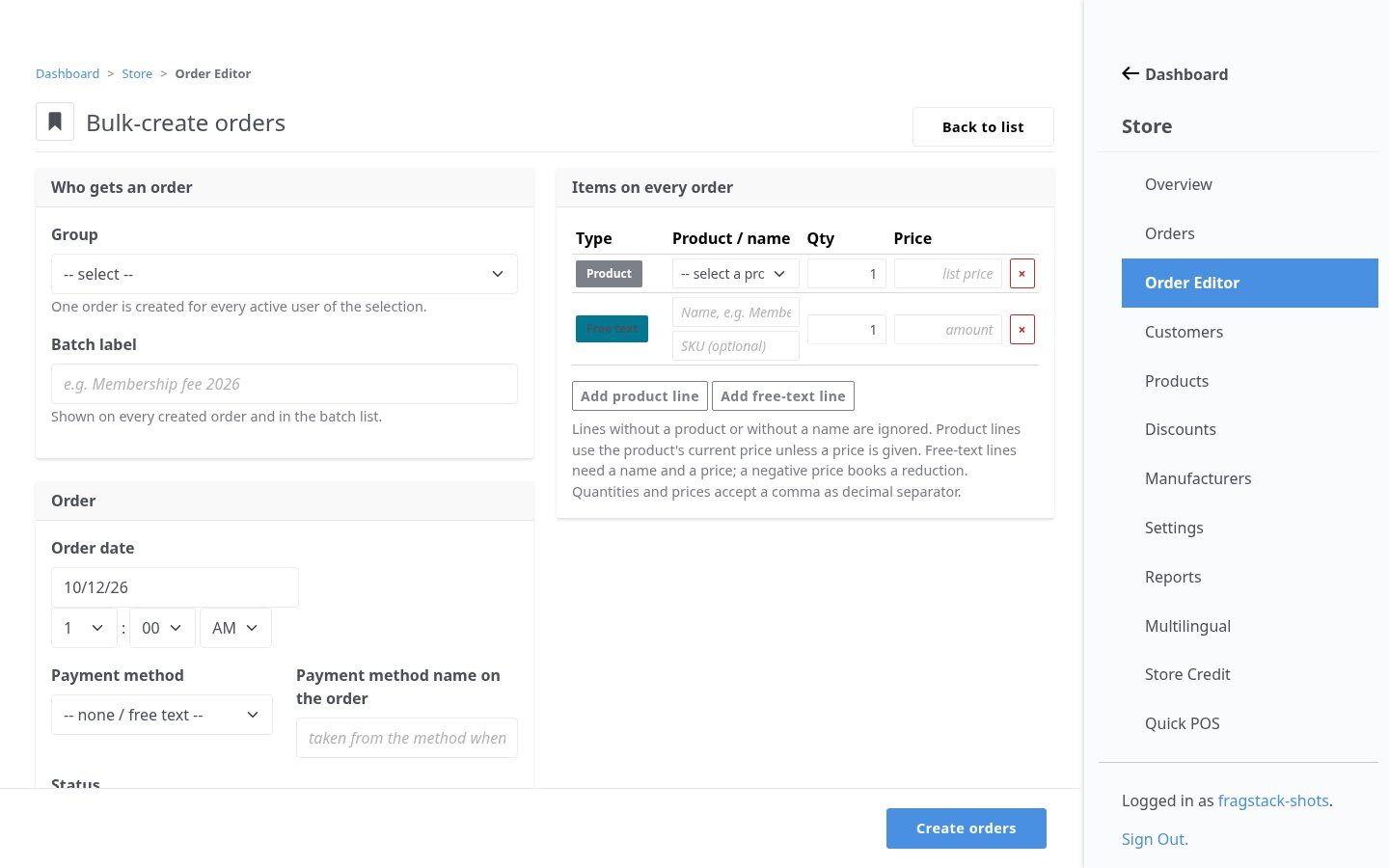
Community Store’s own orders page only changes status flags. Order Editor adds full create, edit and delete, including line items, totals and payment state, and fires the store’s own events so everything downstream stays correct. Bulk-create bills a whole group at once, for example the yearly membership fee.
In action
Full order editing
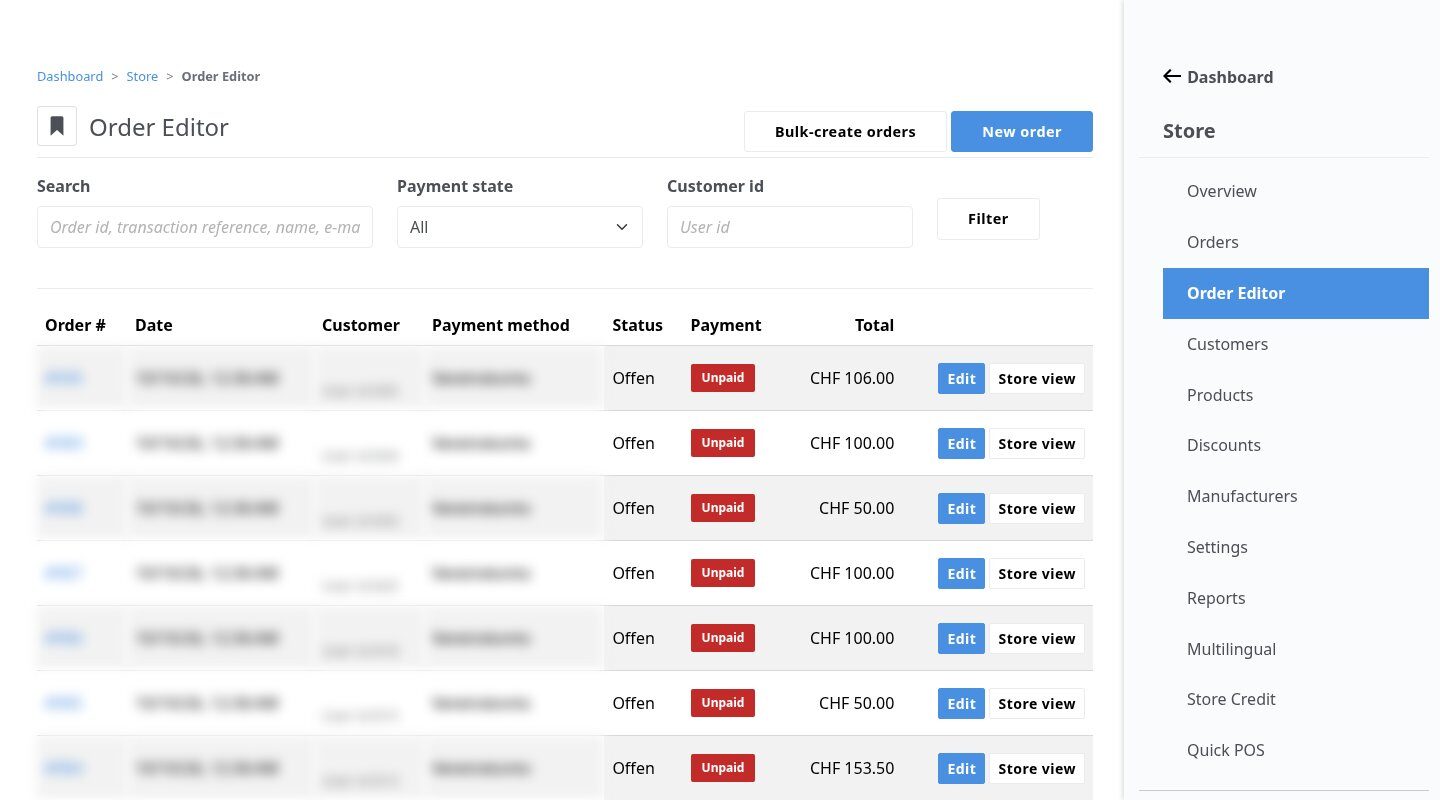
Change customer, date, payment and shipping, add products or free-text lines, override prices; totals by hand or recalculated.
Highlights
Under the hood
Correct payment events
Mark paid, refunded or cancelled and reverse each: the store’s events fire and post-payment steps run exactly as on its own page.
Safe bulk runs
Every bulk run gets a batch ID, so a re-run never creates duplicates and the batch can be found later.
Features
What’s in the box
Order search
By ID, reference or customer.
Manual orders
For any customer, or none.
Free-text lines
Items without a store product.
Price overrides
Per line item.
Status history
Fulfilment status with comments.
Batches
Find every order of a bulk run.
Get started
Install Order Editor
A Composer package from its GitHub repository.
# in your Concrete project (composer-based install)
composer config repositories.store_order_editor vcs https://github.com/haeflimi/concretecms-community_store_order_editor
composer require haeflimi/community_store_order_editor:dev-master

# then install the package
./public/concrete/bin/concrete c5:package:install community_store_order_editor
Requires: Concrete CMS 9, Community Store.
Works well with: Store Credit · Quick Product Access