Battle.net Connect
Battle.net login and World of Warcraft character rankings.
← All packages · Identity
Identity
What it does
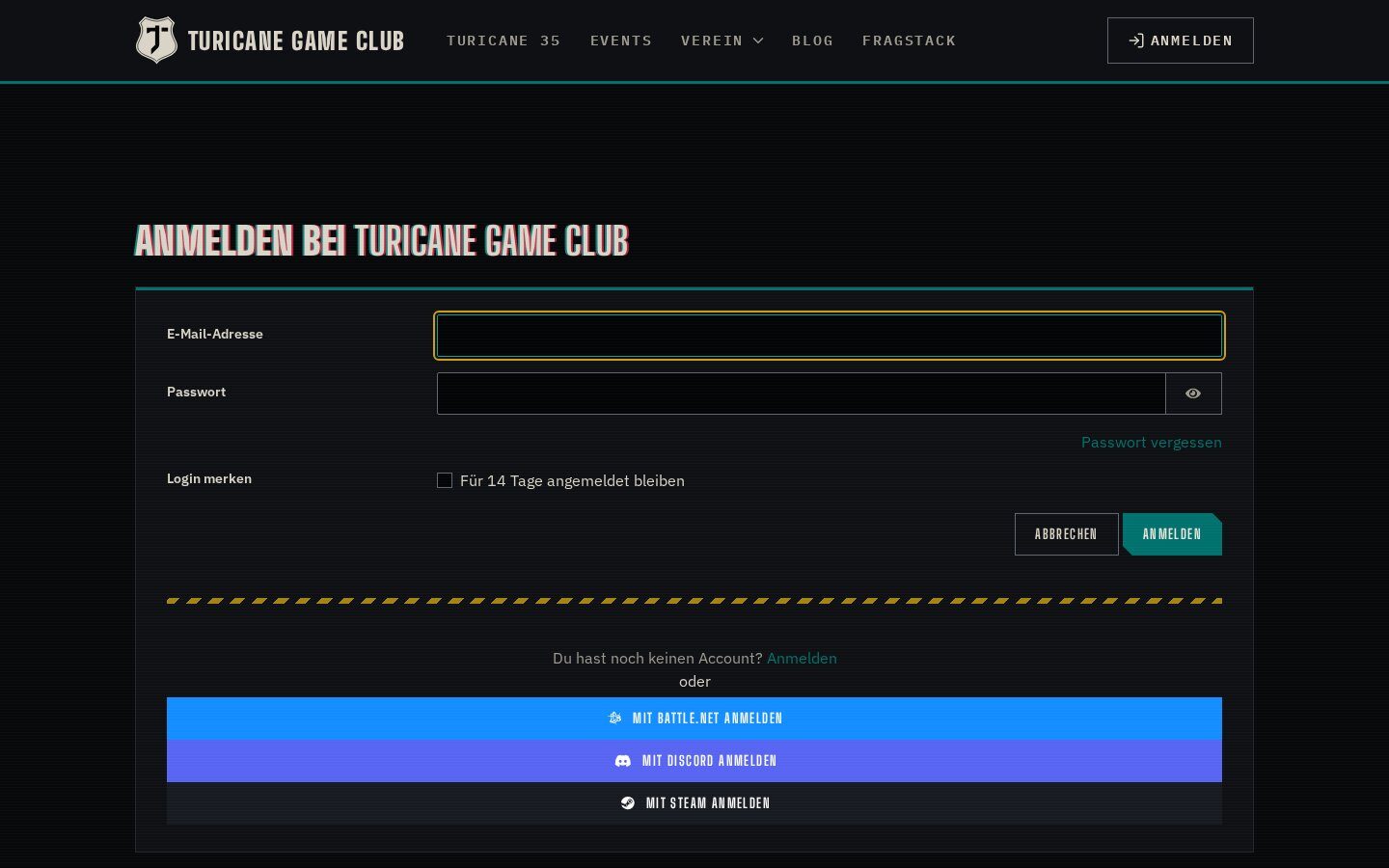
Members log in with Battle.net and their BattleTag is kept current. Their World of Warcraft characters, Retail and Classic, are imported and updated, so profiles show every member’s characters and the guild can be ranked by item level, Mythic+ rating or achievements.
Highlights
Under the hood
Character import
Characters are imported on login for Retail, Classic progression, Classic Era and Anniversary. A sync task updates level, spec, guild, item level, achievement points, Mythic+ rating and images.
Member rankings
Rank everybody’s characters by item level, Mythic+ rating, achievement points, level or last played, or by activity over a period.
On the profile
Put the block on the public profile page and every member shows their characters.
Features
What’s in the box
Battle.net login
OAuth2 registration and login.
BattleTag
Stored and refreshed on every login.
Retail and Classic
All current WoW flavours.
Mythic+ ranking
Rank members by M+ rating.
Activity ranking
Achievement points gained over time.
Scheduled sync
Sync Battle.net Data task.
Get started
Install Battle.net Connect
A Composer package from its GitHub repository.
# in your Concrete project (composer-based install)
composer config repositories.battlenet_connect vcs https://github.com/haeflimi/concretecms-battlenet_connect
composer require haeflimi/battlenet_connect:dev-master

# then install the package
./public/concrete/bin/concrete c5:package:install battlenet_connect
Requires: Concrete CMS 9, PHP 8, a Blizzard developer client.
Works well with: Discord Connect · Steam Connect