Identity
What it does
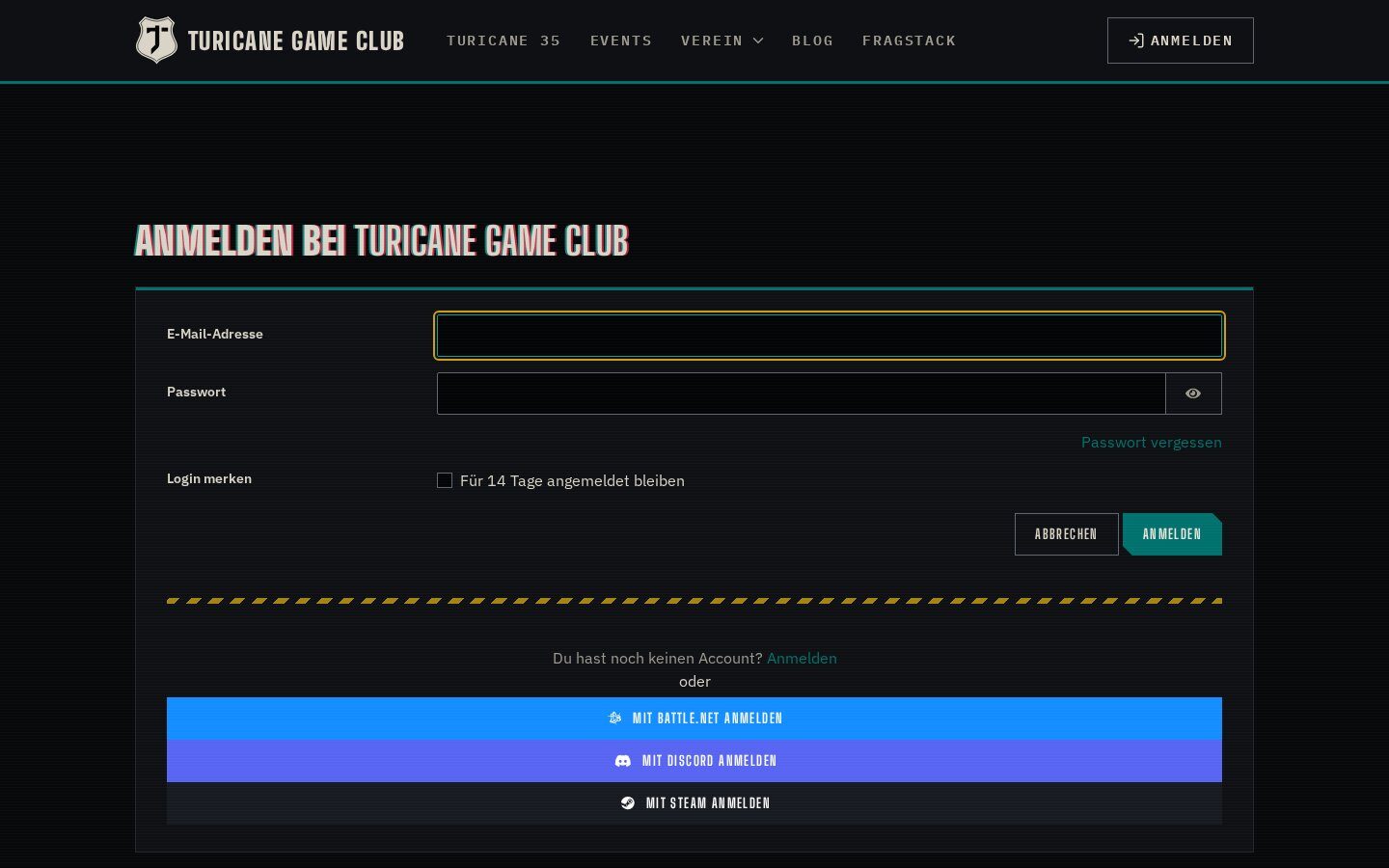
Members register and log in with their Discord account and are added to your server on the way. Discord roles and Concrete groups are linked in the direction you choose, so website permissions and server roles never drift apart.
In action
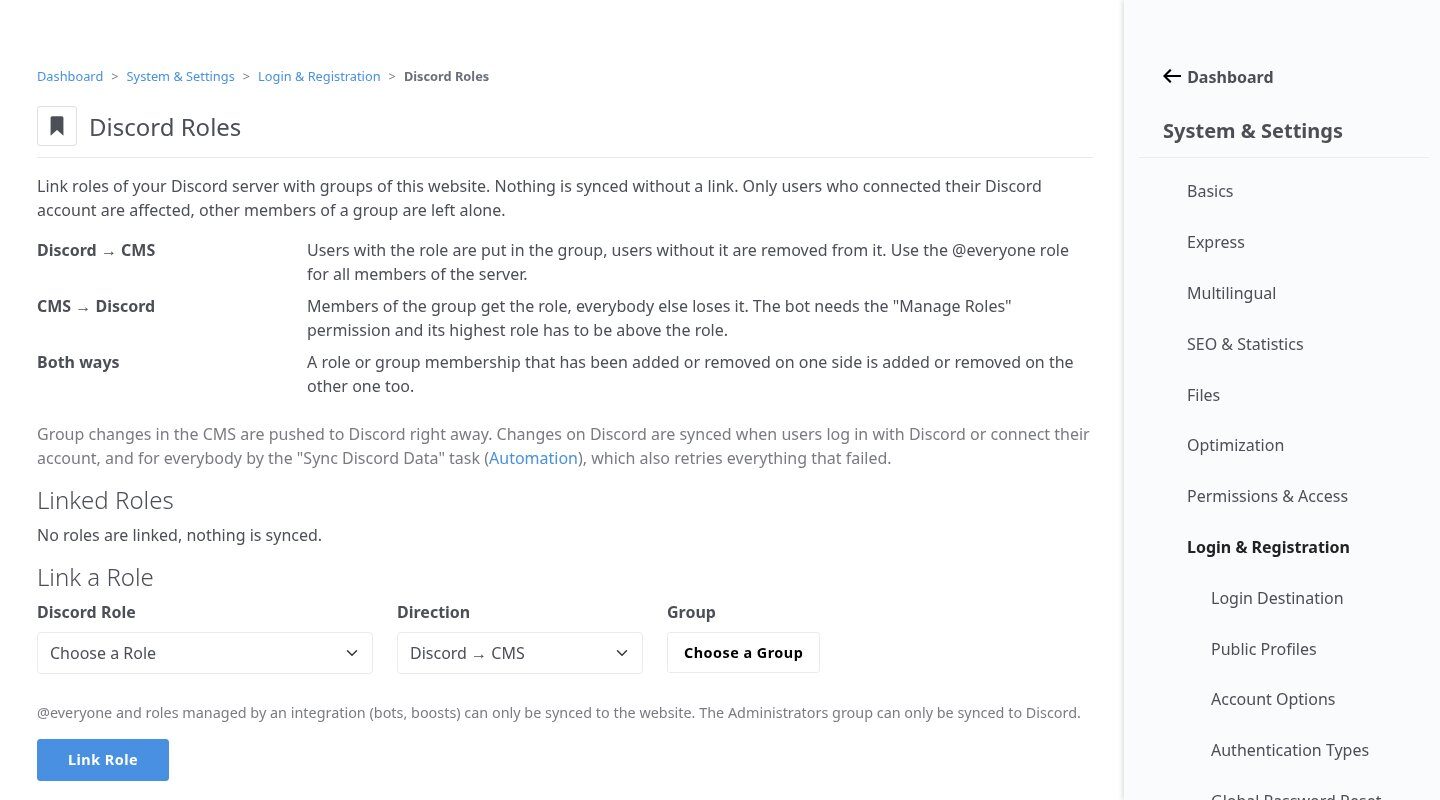
Two-way role sync
Link a Discord role to a Concrete group: Discord → CMS, CMS → Discord or both. Group changes are pushed to Discord right away; a scheduled task retries failures and reads changes made on Discord.
Highlights
Under the hood
Login and auto-join
Discord OAuth2 handles registration and login, existing accounts link from the profile, and new members land on your server.
Safe by design
The Administrators group can only be pushed to Discord, @everyone and integration roles only pulled to the website.
Features
What’s in the box
Discord login
Register and log in with Discord.
Account linking
Connect Discord from the user profile.
Server auto-join
Adds members to your guild.
Membership check
Shows which linked users are on the server.
Role sync
Per-link direction, pushed live.
Developer API
Helpers for Discord IDs, profiles and the bot API.
Get started
Install Discord Connect
A Composer package from its GitHub repository.
# in your Concrete project (composer-based install)
composer config repositories.discord_connect vcs https://github.com/haeflimi/concretecms-discord_connect
composer require haeflimi/discord_connect:dev-master

# then install the package
./public/concrete/bin/concrete c5:package:install discord_connect
Requires: Concrete CMS 9, PHP 8, a Discord application with a bot.
Works well with: Steam Connect · Battle.net Connect · CLI Mode