Steam Connect
Steam login, plus leaderboards of what your members really play.
← All packages · Identity
Identity
What it does
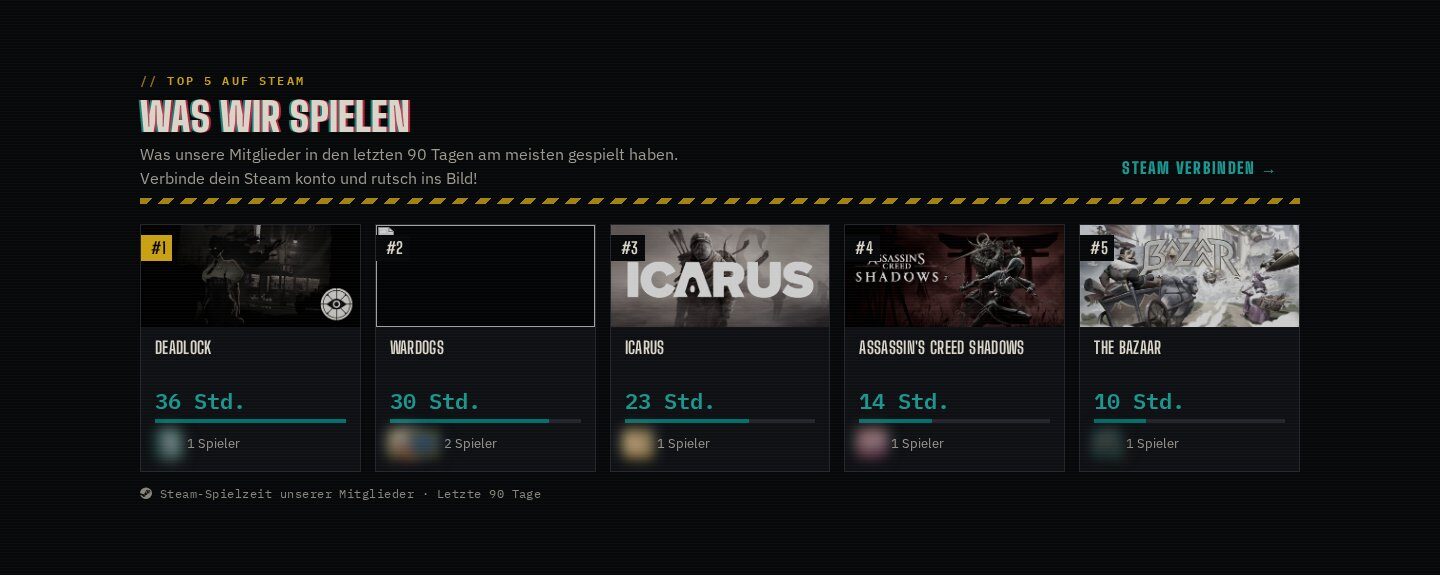
Members log in with Steam and link their Steam ID. A sync task collects owned games, playtime and achievements, and a leaderboard block shows what the community plays and who unlocked the most. Our home page lists the top games of the last 90 days, live.
In action
Community leaderboards
Achievement leaderboard, perfect games, most played and most owned games, per game or across all, from the last two weeks to all time.
In action
Steam login
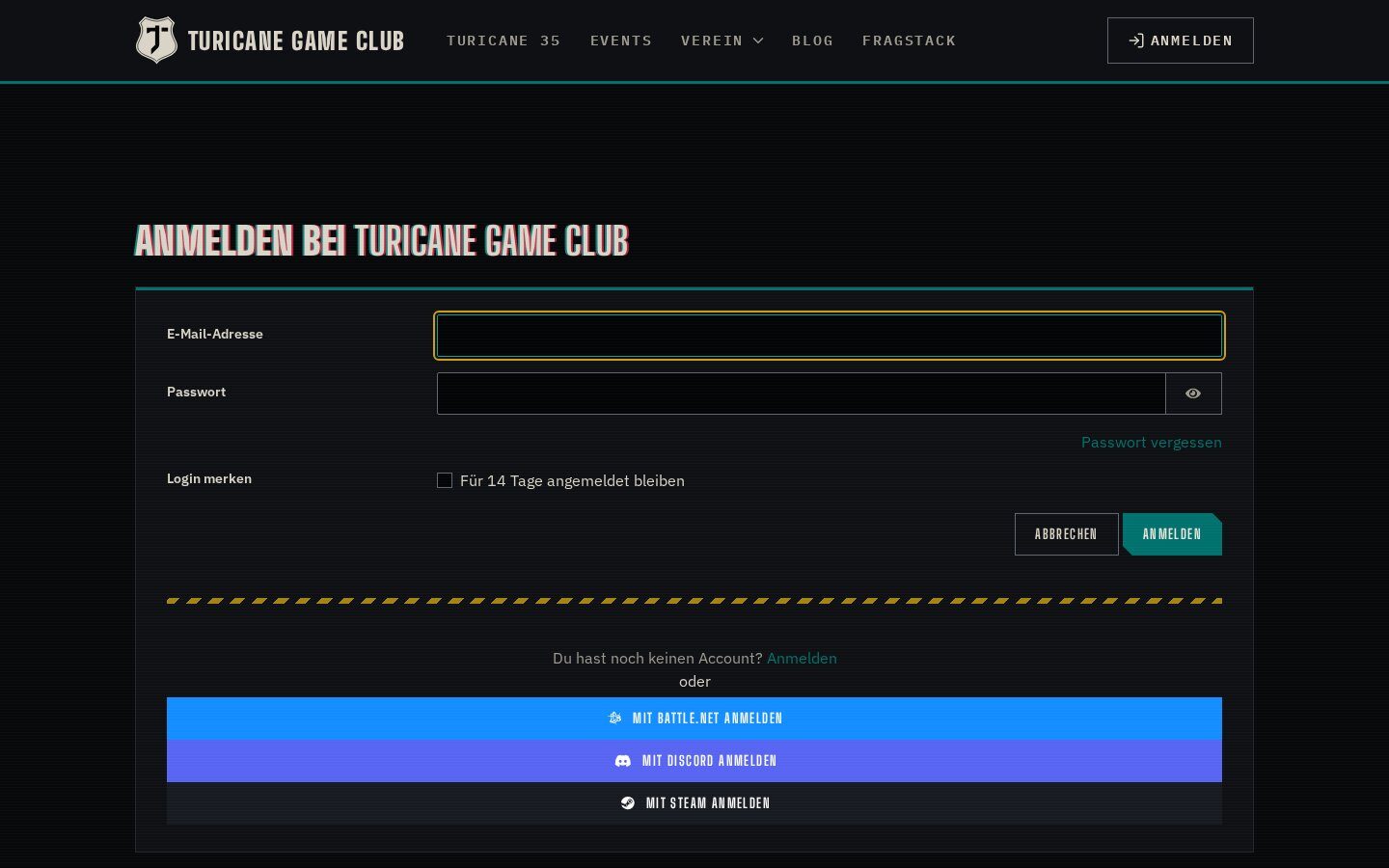
OpenID login works without any keys; accounts link from the profile. With an API key the Steam name is suggested as username.
Highlights
Under the hood
Steam group sync
The task checks which linked users are in your Steam group and keeps a Concrete group in sync; others get a join link in their profile.
Features
What’s in the box
Steam login
OpenID registration and login.
Achievements
Ranks members by unlocked achievements.
Perfect games
Games with every achievement unlocked.
Playtime
Playtime per period from the sync data.
Group sync
Steam group members go into a Concrete group.
Scheduled sync
Sync Steam Data task with data pruning.
Get started
Install Steam Connect
A Composer package from its GitHub repository.
# in your Concrete project (composer-based install)
composer config repositories.steam_connect vcs https://github.com/haeflimi/concretecms-steam_connect
composer require haeflimi/steam_connect:dev-master

# then install the package
./public/concrete/bin/concrete c5:package:install steam_connect
Requires: Concrete CMS 9, PHP 8. A Steam Web API key for the sync task.
Works well with: Discord Connect · Battle.net Connect · Blackout Theme