Blackout Theme
A dark, loud, cyberpunk theme for LAN communities. With a light side.
← All packages · Presentation
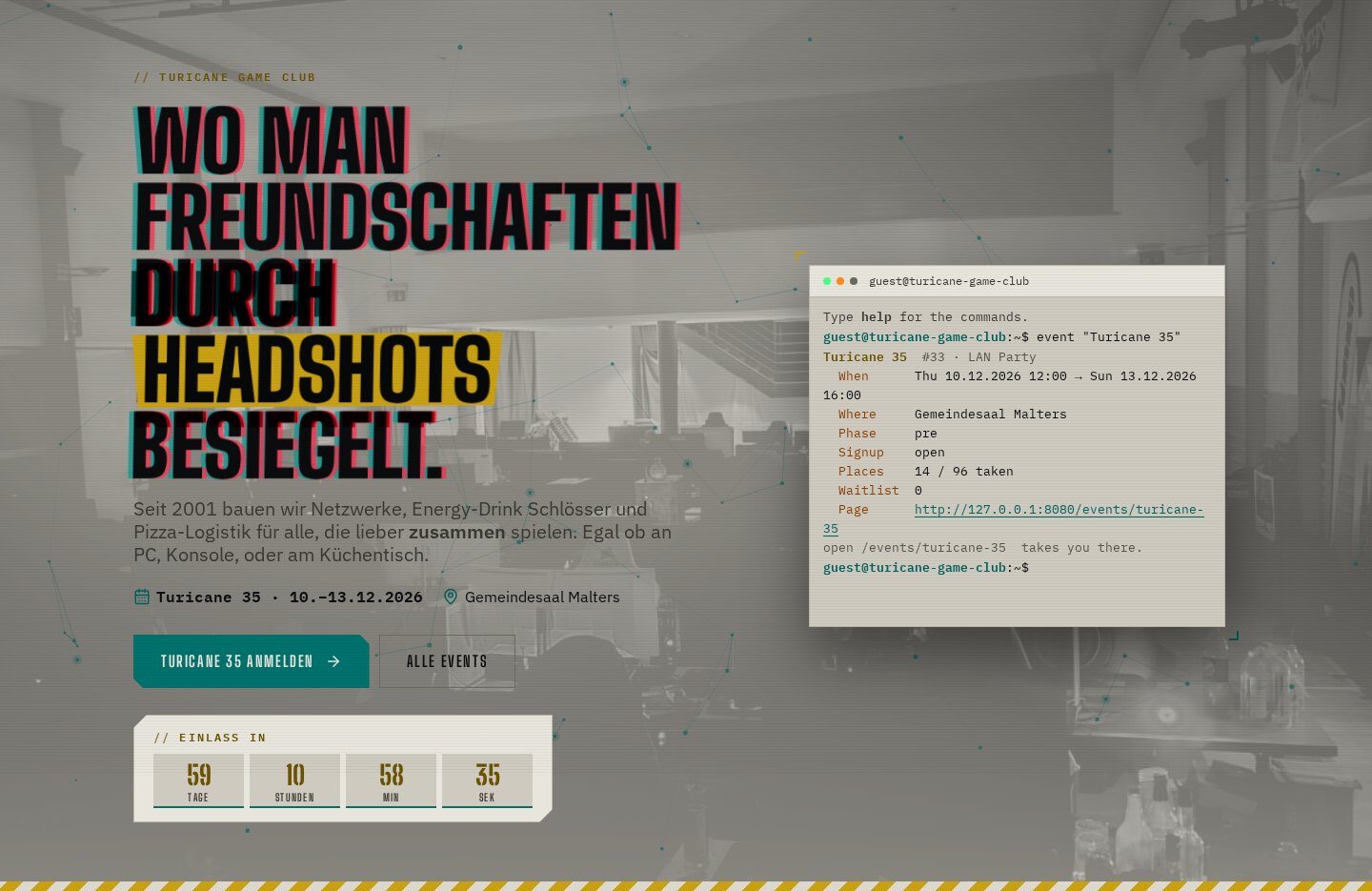
Presentation
What it does
Blackout is the face of turicane.ch: turquoise for the LAN, purple for the club, hazard yellow as the signal colour. It ships styled templates for the whole package family, events, wiki, shop, POS, leaderboards, so everything looks like one site, and a light variant for daylight and print.
In action
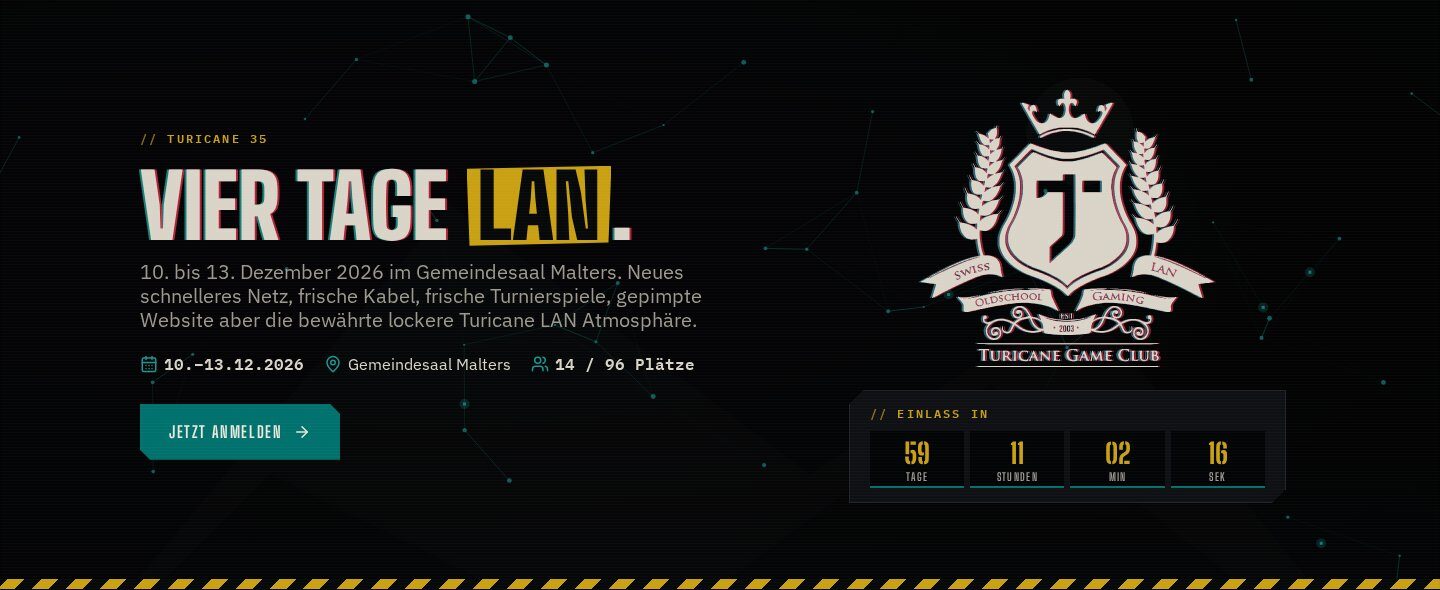
Event pages that change
Page templates for an event before, during and after, a hero with countdown and the event’s facts, styled blocks for signup, seats, timetable, media and ratings.
In action
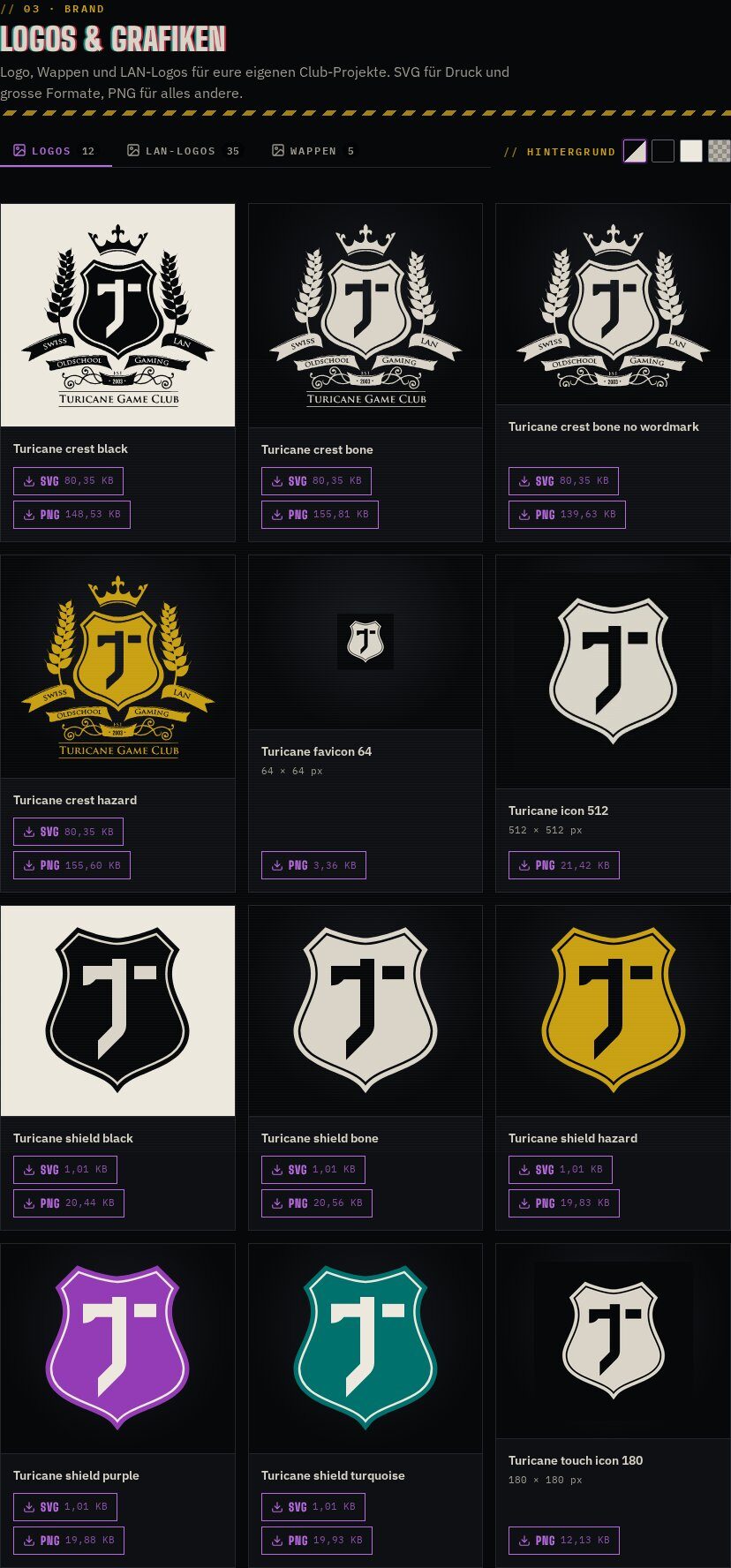
Brand kit included
Document and brand asset templates for the document library: logos with dark, light and checkerboard backgrounds, colours and fonts.
In action
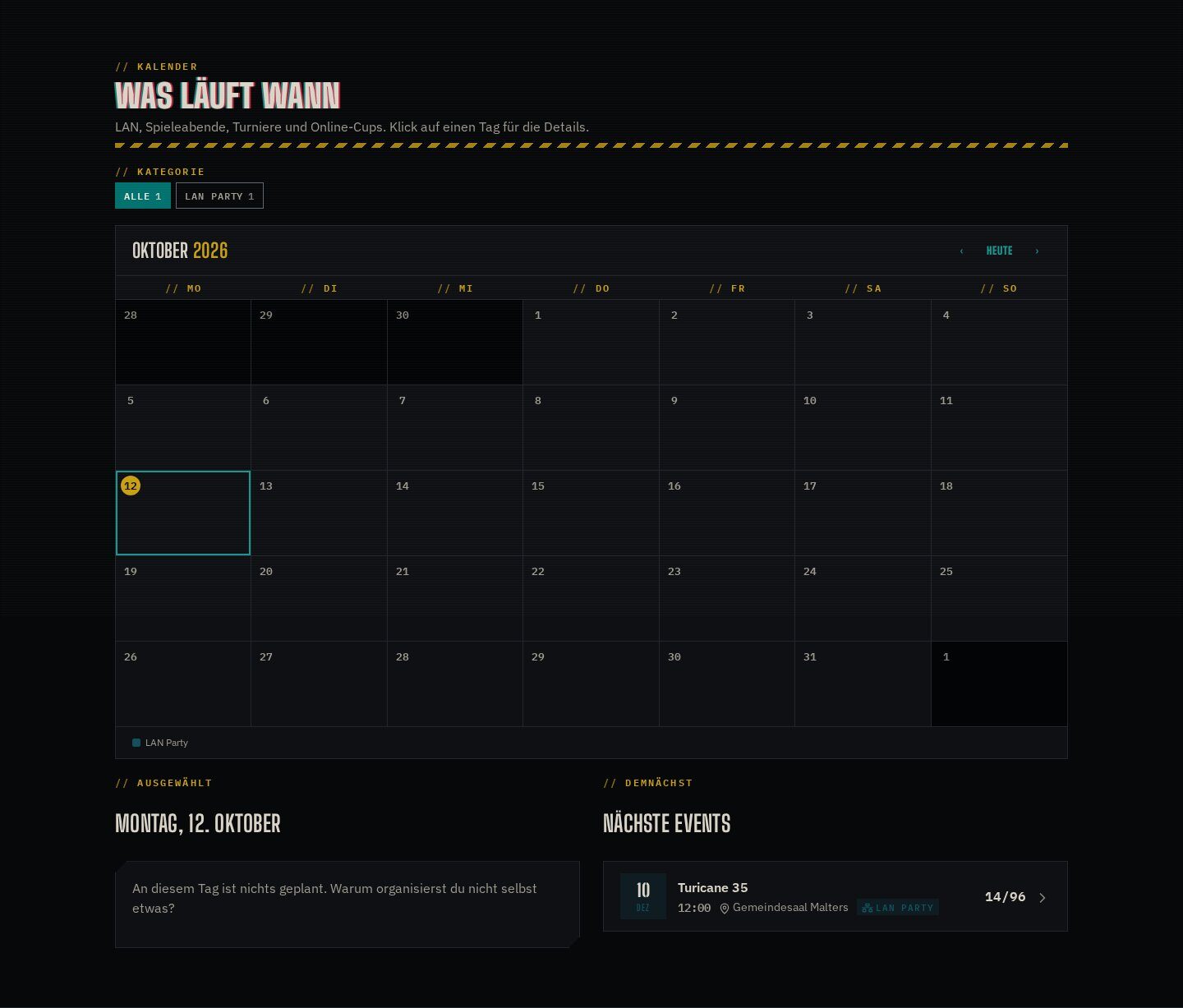
Calendar and lists
Calendar, event lists and history in the same design, with the event type colours of the calendar.
Features
What’s in the box
Dark and light
Dark by default, a light variant for print and daylight.
Colour families
A page attribute switches a page tree to a hue.
Event templates
Pre-event, live and review layouts.
Wiki template
Styled for Quickie Wiki, print as PDF.
Newsletter
HTML mail frame shared with system mails.
Icon set
1,700 Lucide icons, the reference set for Icon Picker.
Get started
Install Blackout Theme
A Composer package from its GitHub repository.
# in your Concrete project (composer-based install)
composer config repositories.theme_blackout vcs https://github.com/haeflimi/concretecms-theme_blackout
composer require haeflimi/theme_blackout:dev-master

# then install the package
./public/concrete/bin/concrete c5:package:install theme_blackout
Requires: Concrete CMS 9.4.
Works well with: Event Manager · Quickie Wiki · Icon Picker · Quick POS