Shop
What it does
A point of sale for the event bar. Guests scan their badge at a self-service kiosk and put drinks and snacks on their event tab; staff sell at the register for cash, card, TWINT, store credit or onto a tab, top up credit and hand out badges.
Highlights
Under the hood
Scanning without focus
Badge readers are caught anywhere on the page and partial scans still match the right badge. If two people match equally well, the kiosk asks for a new scan instead of guessing.
Secure kiosks
Kiosks only work on devices enrolled by staff, with hashed tokens and rate limiting. Badge IDs are stored as HMAC hashes and never sent back to the browser.
On the event tab
Kiosk sales go onto the participant’s event tab and are settled at checkout; the register also tops up store credit.
Features
What’s in the box
Self-service kiosk
Scan, pick, done.
Staff register
Cash, card, TWINT, credit or tab.
Top-ups
Load store credit at the bar.
Badges
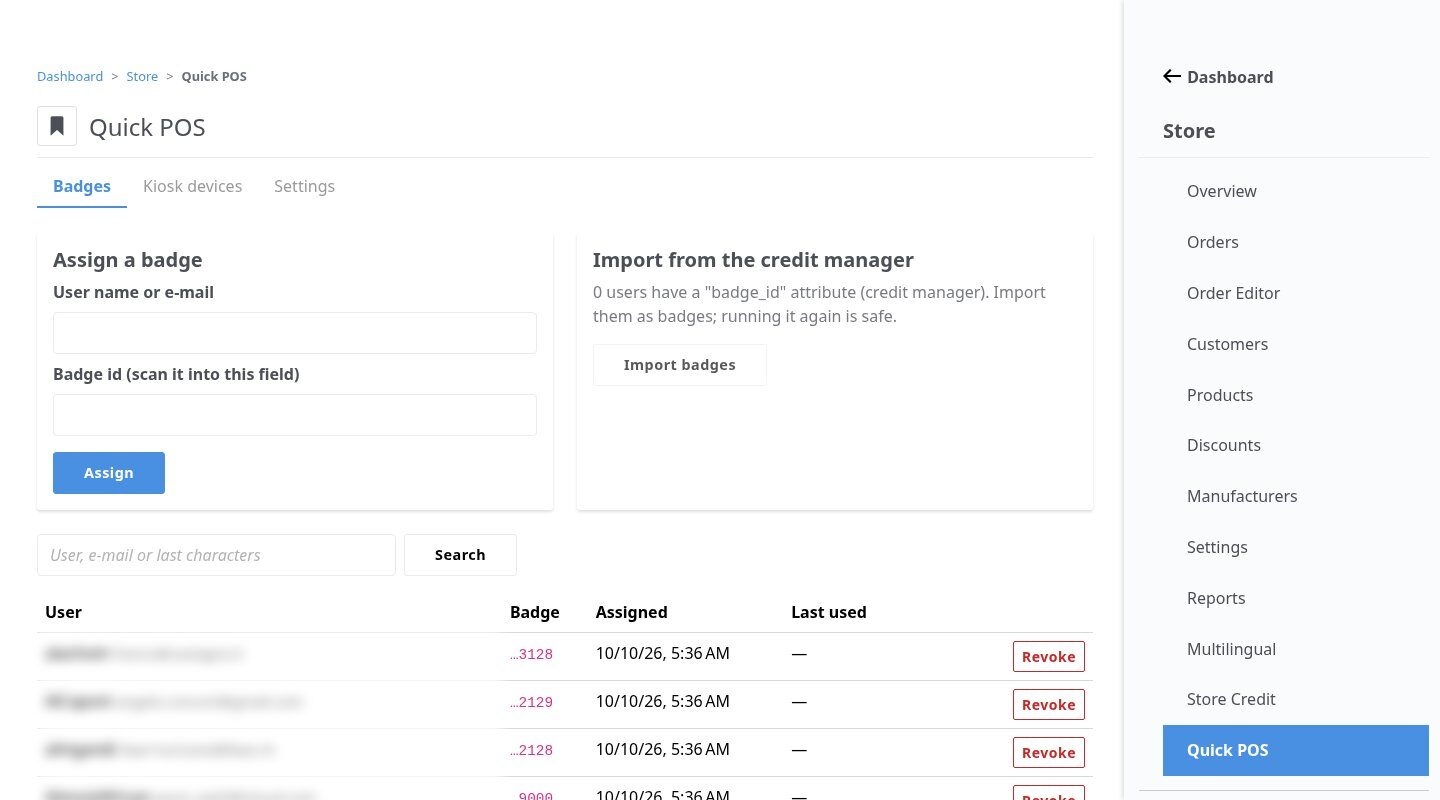
Several per user, revocable, importable.
No double sales
Every cart has a unique ID.
Vue 3 UI
Fast views made for touch screens.
Get started
Install Quick POS
A Composer package from its GitHub repository.
# in your Concrete project (composer-based install)
composer config repositories.store_quick_pos vcs https://github.com/haeflimi/concretecms-community_store_quick_pos
composer require haeflimi/community_store_quick_pos:dev-master

# then install the package
./public/concrete/bin/concrete c5:package:install community_store_quick_pos
Requires: Concrete CMS 9, PHP 8, Community Store, the Event Manager. Optional: Store Credit.
Works well with: Event Manager · Store Credit · Blackout Theme