Event Manager
The whole life of a LAN party, from the first teaser to the last rating.
← All packages · Events
Events
What it does
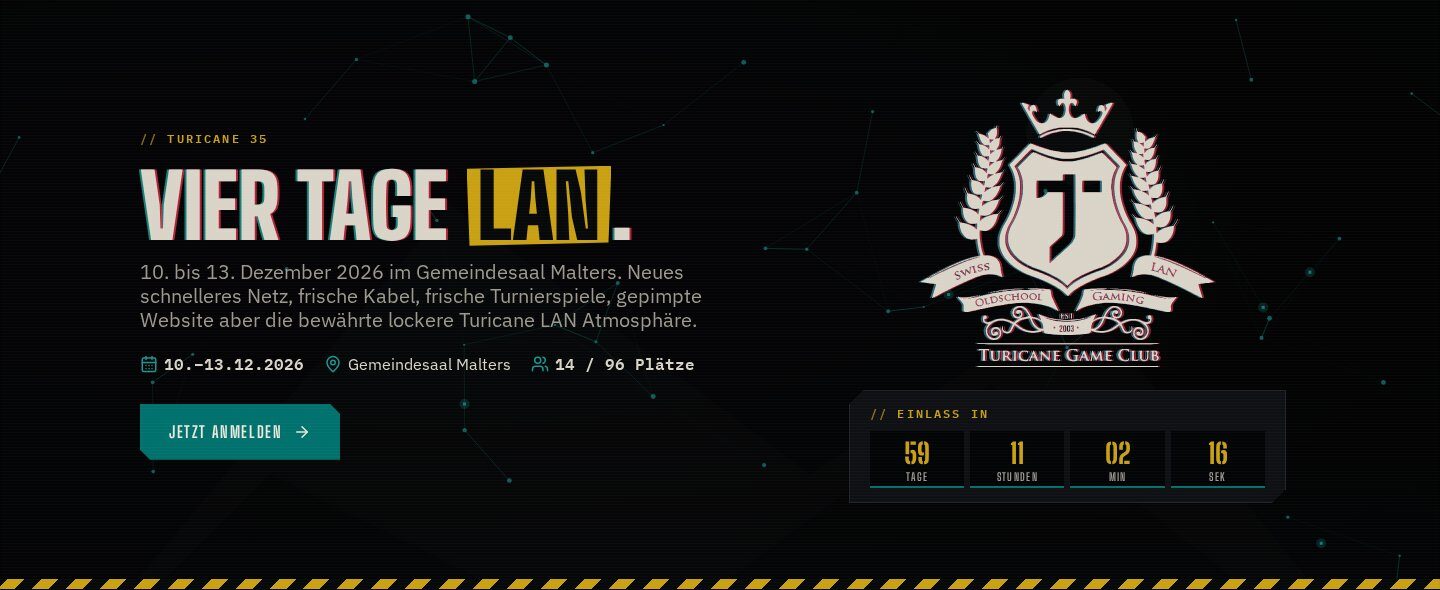
Plan, promote and run real-life community events from Concrete CMS. Every event gets its own page that stays in sync with the calendar, and the page changes with the event: a teaser before, a live page with the timetable while it runs, photos and ratings afterwards. Signups, waitlists, seat maps, tickets, door check-in, an event tab for the bar, badges and reports are all in one package.
In action
Signup that knows the rules
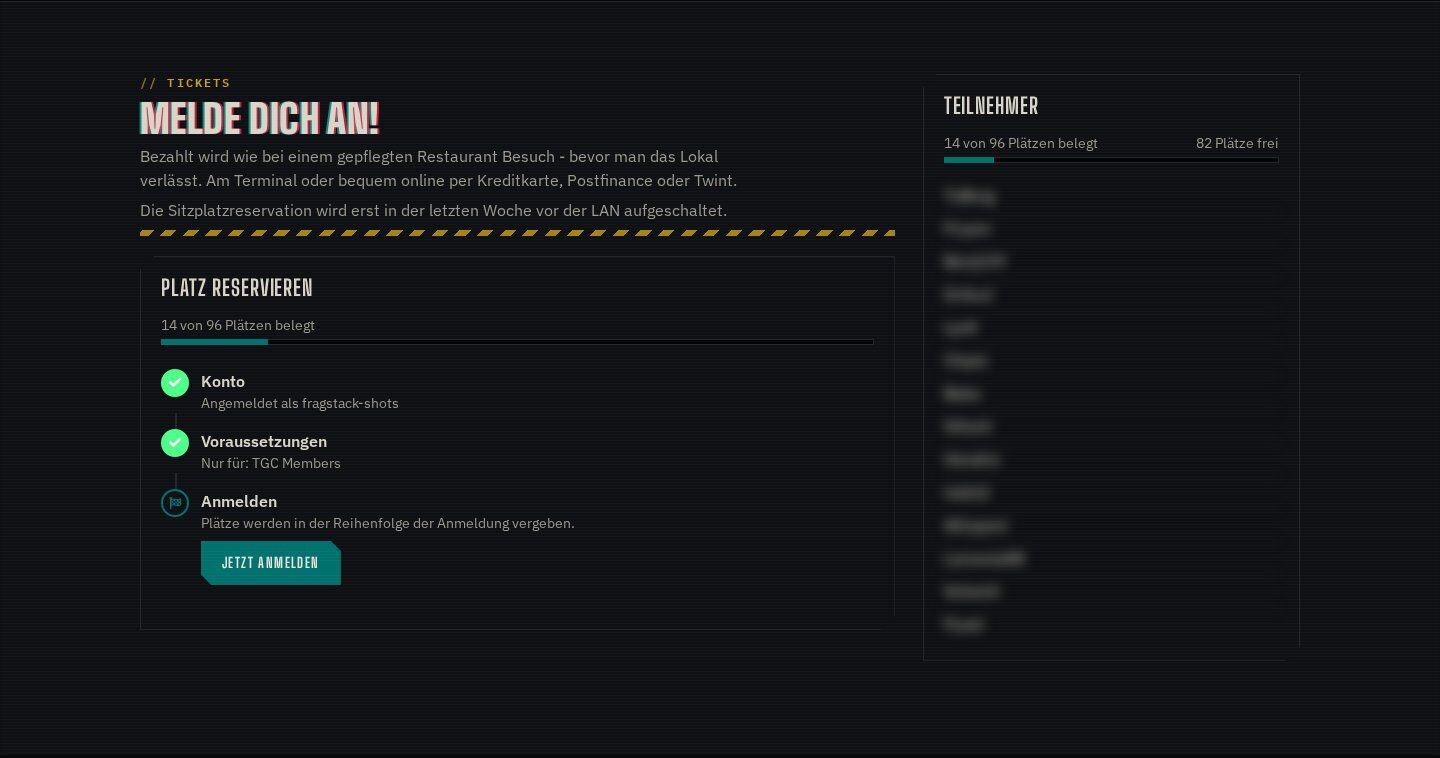
Capacity, signup window, allowed groups and a waitlist that moves people up on its own. With Community Store, buying the ticket is the signup, and meals and drinks can be added right there.
In action
One form, every feature
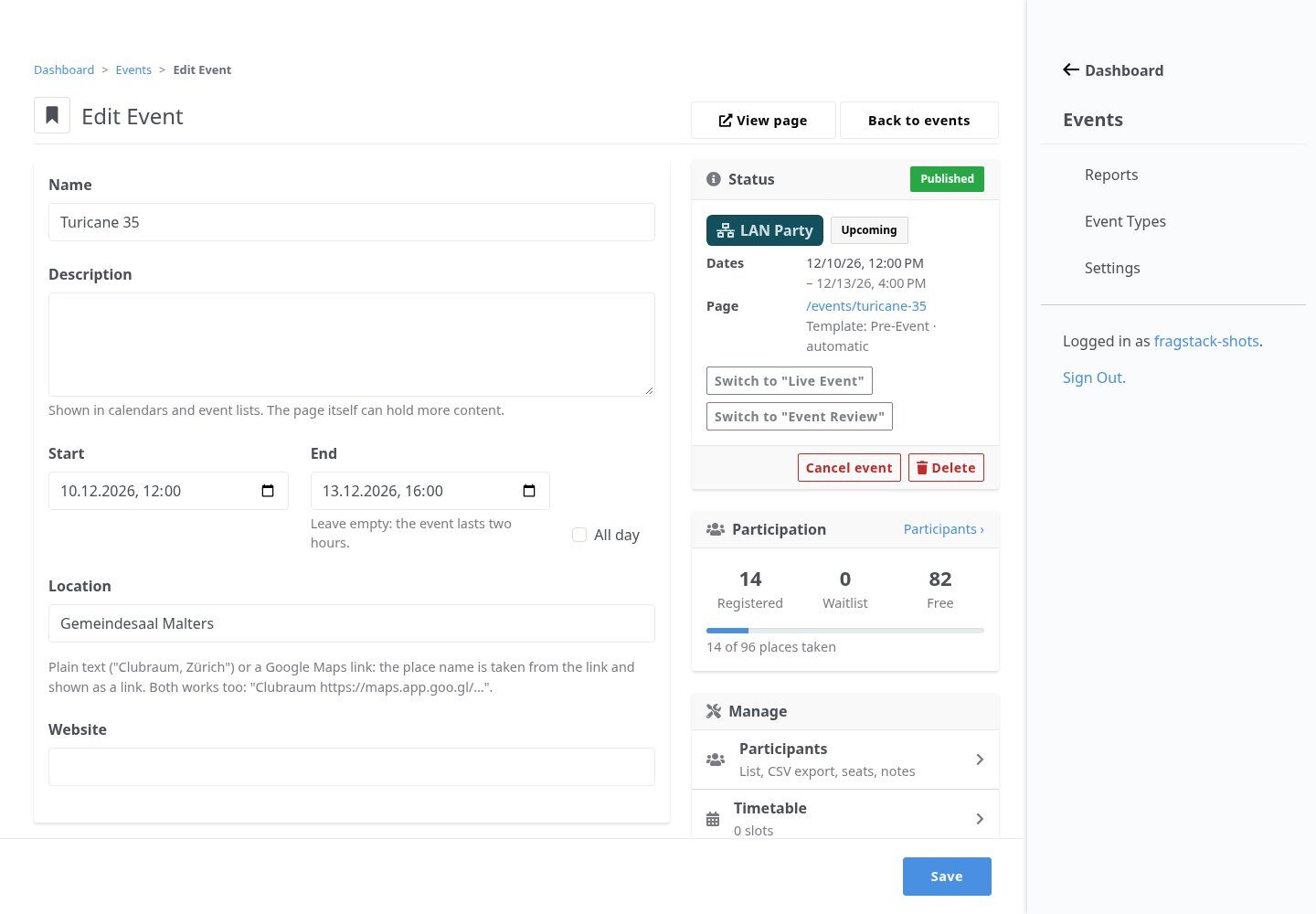
Each event type switches the features it needs on: tickets, seats, check-in, timetable, review, ratings, badges. The edit page shows status, phase and participation at a glance and links to every tool of the event.
In action
Calendar, proposals, history
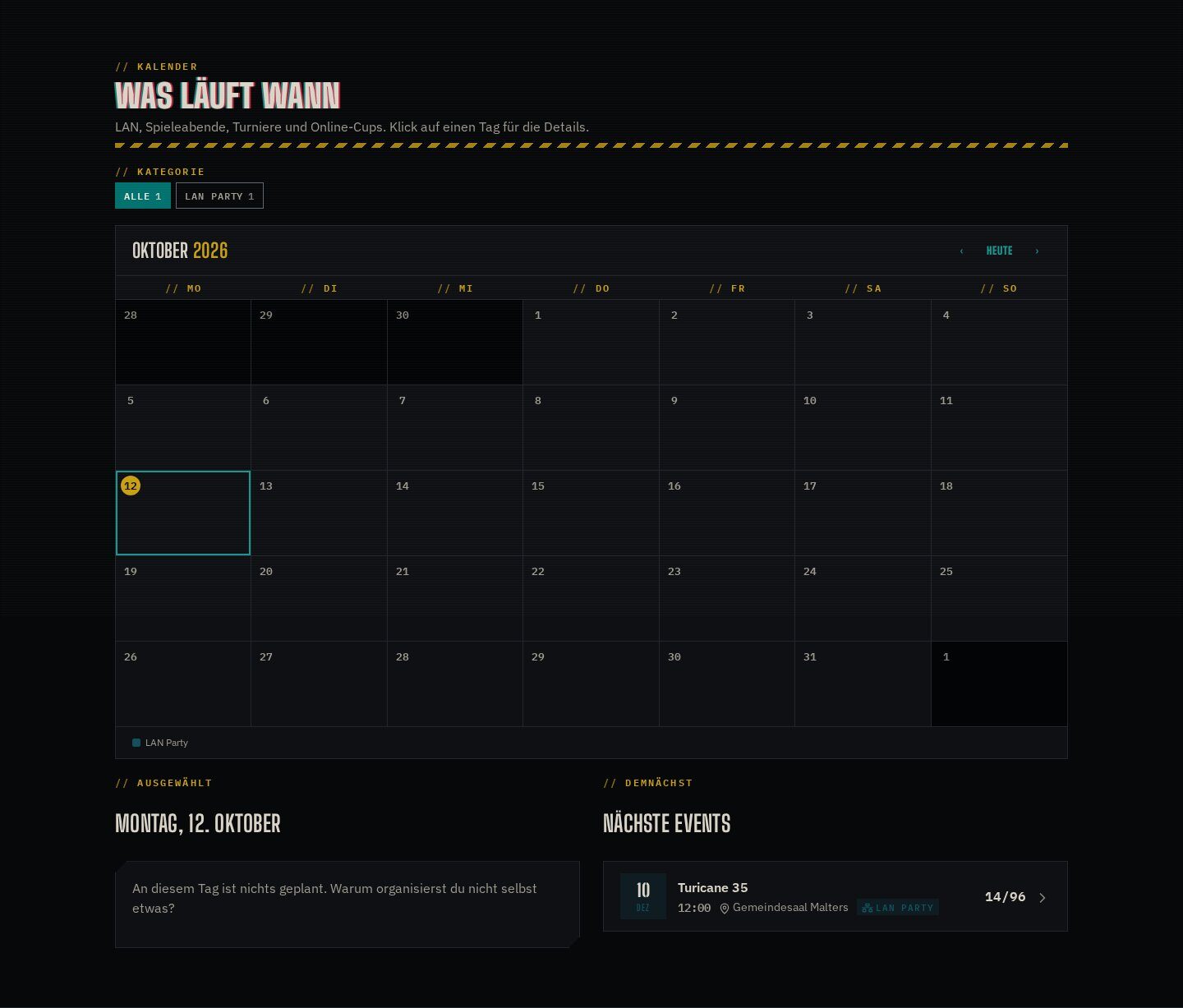
A calendar block shows what is coming, members can propose their own game nights (they arrive as drafts for the organizers), and the history lists every past event with its numbers.
Features
What’s in the box
SVG seat maps
Upload any SVG; every element with the class cem-seat becomes a bookable seat.
Door desk
Check-in and checkout pages for phones and tablets: one tap per guest, walk-ins too.
Event tab
One open bill per participant collects everything bought at the LAN, settled at checkout.
Live timetable
Drag-and-drop slots; the running slot is highlighted on the page.
Photos and videos
Member uploads plus YouTube, Twitch, Vimeo and PeerTube links on the review page.
Ratings and badges
Star ratings per category, attendance and milestone badges for the profile.
Get started
Install Event Manager
A Composer package from its GitHub repository.
# in your Concrete project (composer-based install)
composer config repositories.event_manager vcs https://github.com/haeflimi/concretecms-community_event_manager
composer require haeflimi/community_event_manager:dev-master

# then install the package
./public/concrete/bin/concrete c5:package:install community_event_manager
Requires: Concrete CMS 9.5, PHP 8. Optional: Community Store (tickets, event tab), Store Credit, Icon Picker.
Works well with: Store Credit · Quick POS · CLI Mode · Team Manager · Blackout Theme