Community
What it does
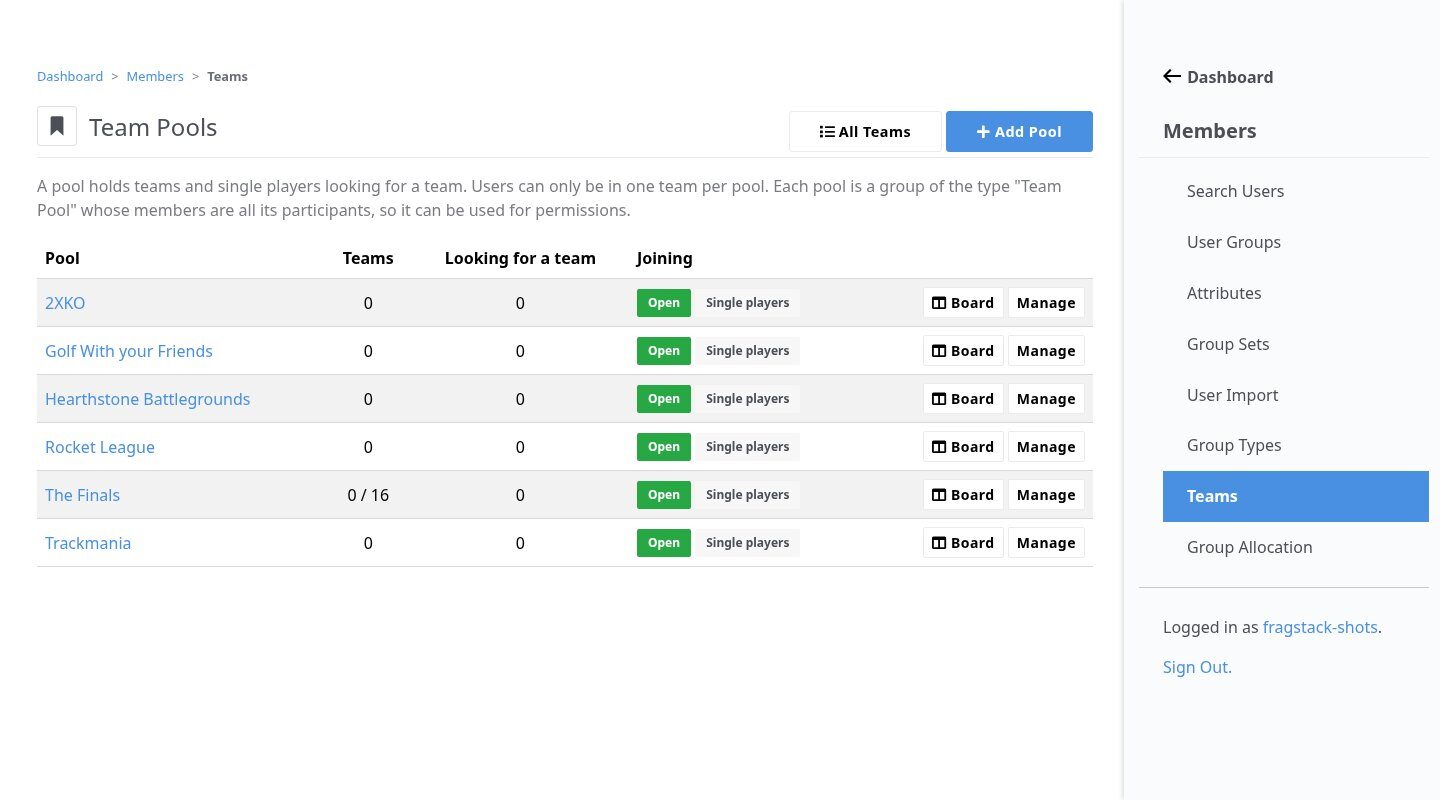
Members create teams, invite players, handle join requests and keep a team profile with tag and logo. Teams live in pools, one per tournament, and every pool is a Concrete group you can use for permissions. Admins get a drag-and-drop board, a randomizer for fun brackets and exports for the tournament platforms.
In action
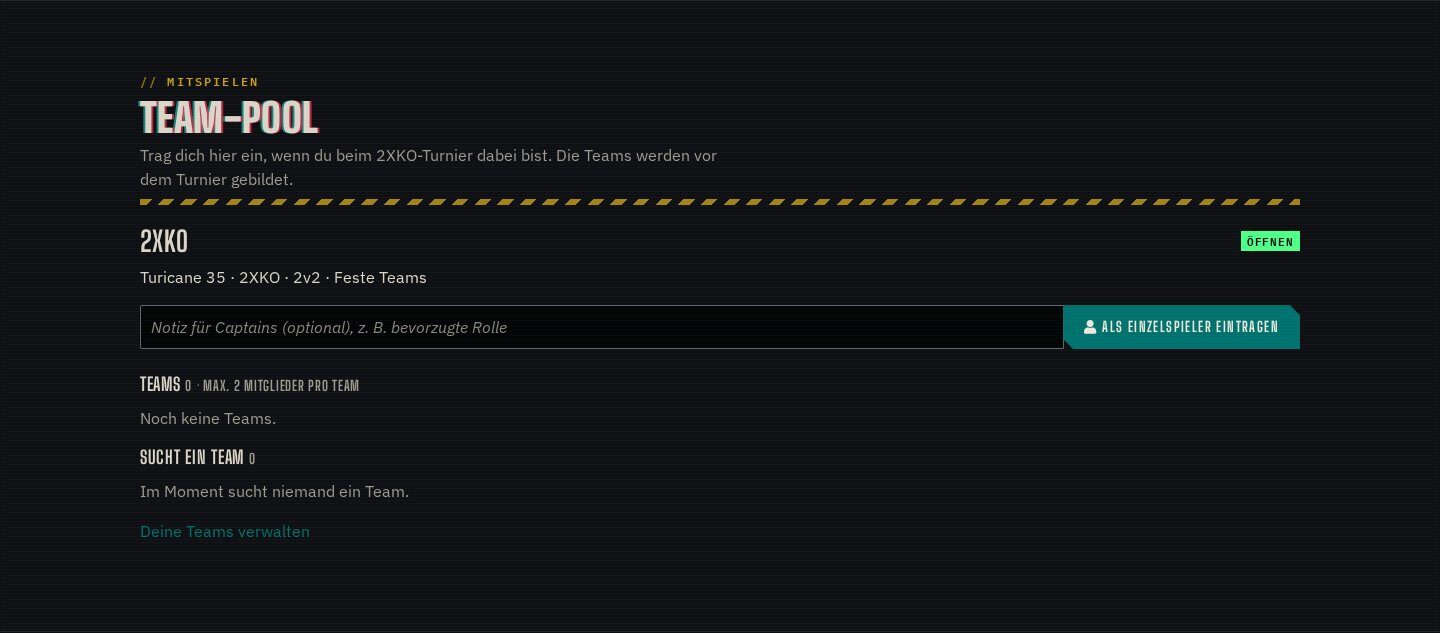
Pools per tournament
Each pool sets the team size, the number of teams and whether it is open for joining. Single players can list themselves as looking for a team.
Highlights
Under the hood
Board and randomizer
Every team is a card with empty slots; players are dragged between teams or swapped. One click shuffles a whole pool into new teams with names like “Furious Llamas”.
Exports for brackets
Download a pool for Challonge bulk add, a Battlefy CSV or a full roster. A read-only REST API exposes pools and teams.
Features
What’s in the box
Captains
Invite players, approve requests, promote or demote captains.
Team profiles
Name, tag, description and logo for every team.
Free agents
Single players are listed as looking for a team.
Randomizer
Fills teams evenly and makes the first player captain.
Exports
Challonge, Battlefy and a full roster CSV.
REST API
Pools and teams for other tools, with its own scope.
Get started
Install Team Manager
A Composer package from its GitHub repository.
# in your Concrete project (composer-based install)
composer config repositories.team_manager vcs https://github.com/haeflimi/concretecms-team_manager
composer require haeflimi/team_manager:dev-master

# then install the package
./public/concrete/bin/concrete c5:package:install team_manager
Requires: Concrete CMS 9.4.
Works well with: Event Manager · Group Member Manager · Blackout Theme