Community
What it does
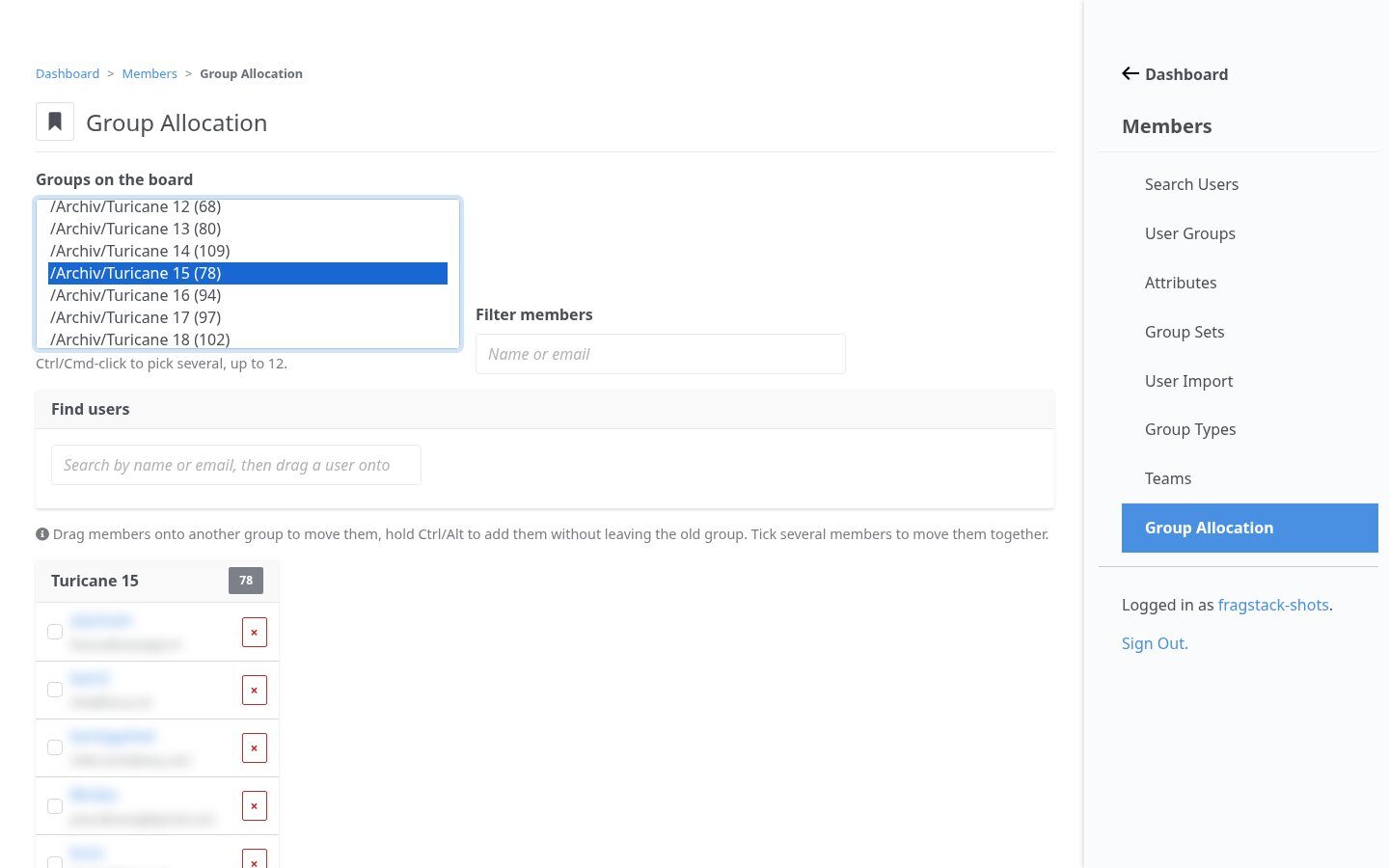
Add and remove members right on the core group page, without touching core views. A drag-and-drop board moves people between groups, for example when the crew for the next LAN is put together. Front-end blocks show your members as cards or a searchable directory and collect membership applications.
In action
A directory people use
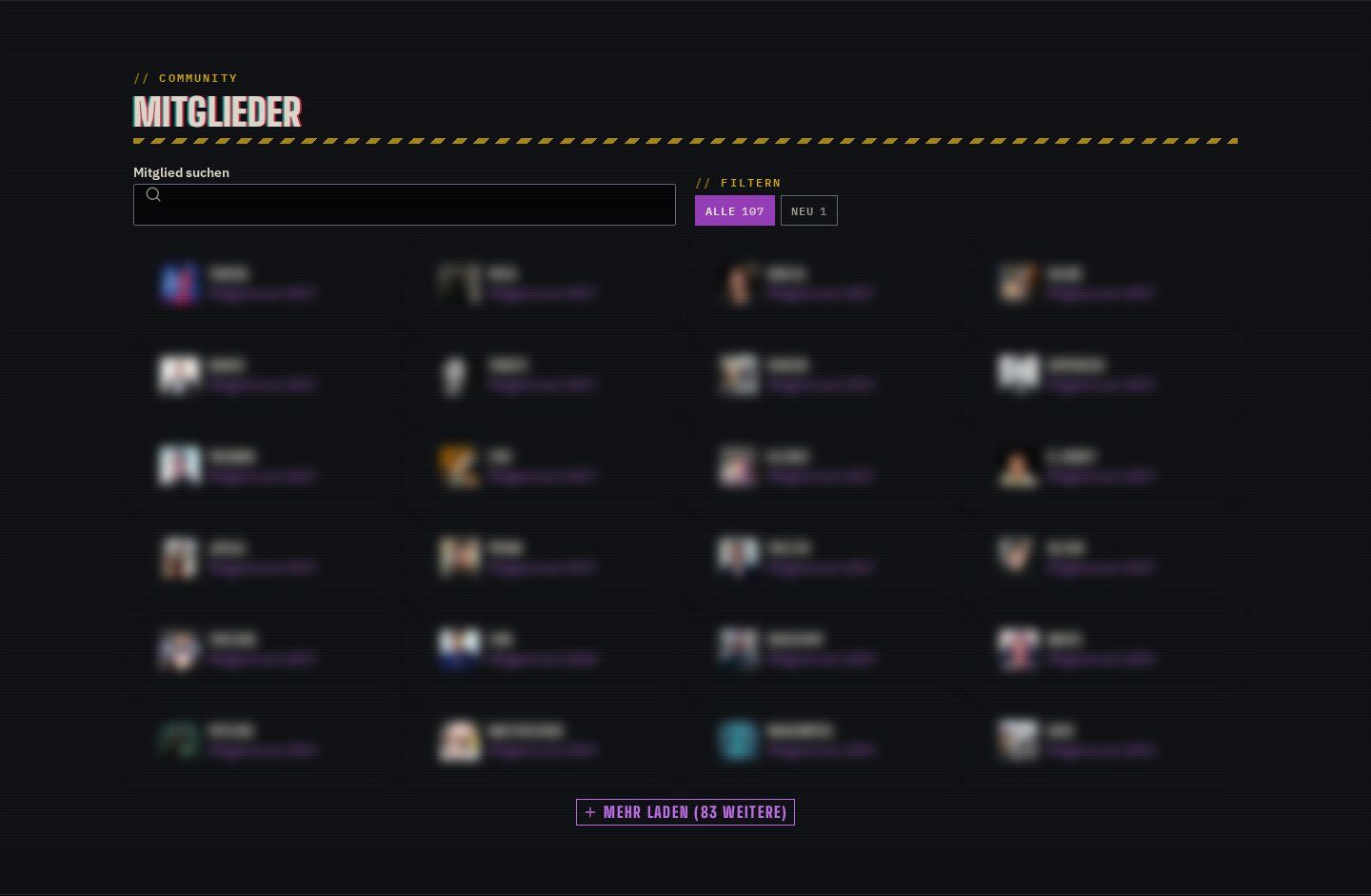
Show a group as cards, as a searchable directory with filters, or as a summary with faces, count and newcomers. With the Event Manager it shows events attended and member-since.
Highlights
Under the hood
Members on the group page
The core group edit page gets a filterable member list with add and remove, injected by a listener: no core file is overridden.
Applications
Signed-in users apply for membership with their account data filled in; applications are stored in an Express form and the board is notified.
Features
What’s in the box
Inline management
Add or remove members on the group edit page.
Allocation board
Move users between groups visually, alone or several at once.
Cards and directory
Board or team cards, or a searchable directory.
Newcomers
Highlights members who joined in the last days.
Applications
Membership applications with prefilled account data.
Notifications
Recipients get an e-mail for every application.
Get started
Install Group Member Manager
A Composer package from its GitHub repository.
# in your Concrete project (composer-based install)
composer config repositories.group_member_manager vcs https://github.com/haeflimi/concretecms-group_member_manager
composer require haeflimi/group_member_manager:dev-master

# then install the package
./public/concrete/bin/concrete c5:package:install group_member_manager
Requires: Concrete CMS 9.
Works well with: Event Manager · Team Manager · Blackout Theme